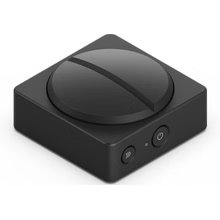
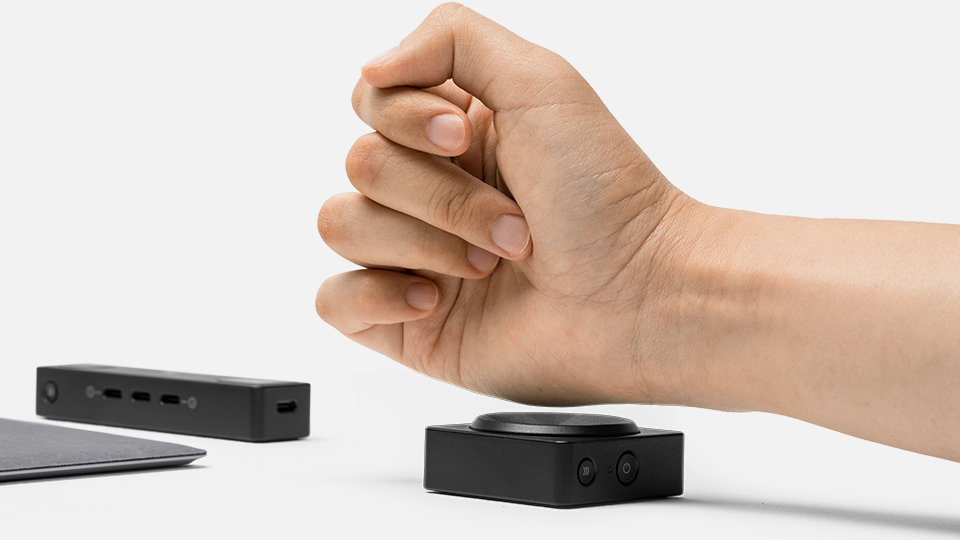
onnect Microsoft Adaptive Dual Button to Microsoft Adaptive Hub (sold separately). This innovative wireless button has eight digital inputs and an easy-to-press design. You can create sequence macros with the button to simplify complex tasks on a PC or phone or download 3D-printable designs from Microsoft to fit your needs.
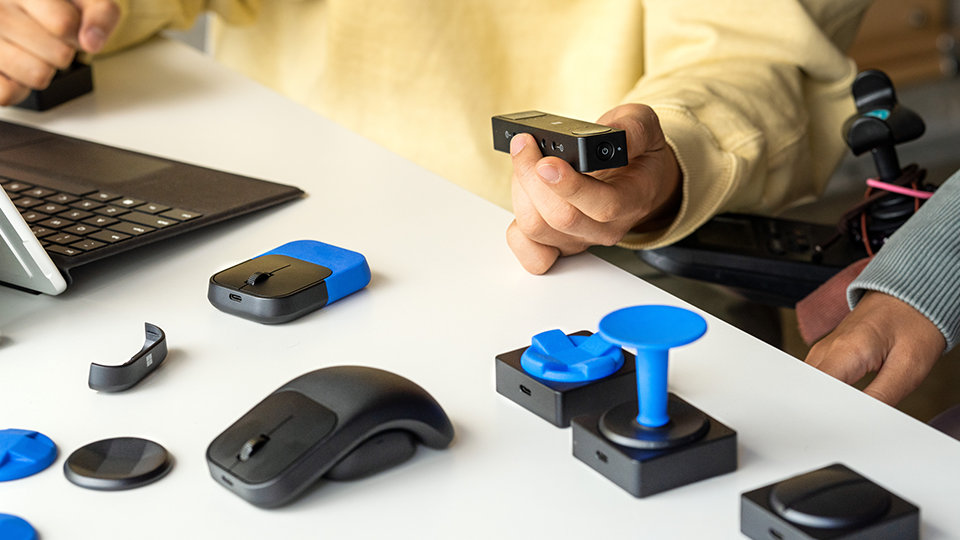
Further customize your Microsoft Adaptive Accessories. Mouse tails and button toppers can be replaced with your choice of 3D-printable designs from Microsoft.
Detailed Description
Create custom inputs without a keyboard
Replace or augment traditional keyboards with the
adaptable wireless buttons and wired switches that
put you in control, allowing you to easily create
your own custom inputs. Composed of a central
adaptive hub that can pair with up to four wireless
buttons and standard wired connections to let you
design the set-up that works best for you.
Innovative, wireless button with
eight digital inputs that allow
you to use your favourite apps
more effectively.
Replace or augment traditional keyboards when you connect Microsoft
Adaptive Dual Button to Microsoft Adaptive Hub (sold separately). This
innovative wireless button has eight digital inputs and an easy-to-press
design. You can create sequence macros with the button to simplify
complex tasks on a PC or phone-or 3D print your own button topper
through Shapeways to fit your needs.
Create custom inputs without a keyboard
The central adaptive hub can pair with up to four wireless buttons and
standard wired connections to let you easily create your own custom
inputs to put you in control and design the setup that works best for
you.
Augment traditional keyboards
Increase your productivity through a hub and wireless buttons that let
you create custom inputs to simplify complex tasks on a PC or phone.
One button, multiple actions
The innovative, wireless button has eight digital inputs that allow you
to use your essential apps more effectively.
Customize your experience with different buttons and toppers
Choose between a d-pad, digital joystick, or dual button. Personalize
button toppers further with 3D printing through Shapeways.
Build the hardware setup that works for you
The Adaptive Hub has a wireless and expandable design that connects up
to four Microsoft adaptive buttons, third-party accessories, and
assistive tech switches via five 3.5 mm ports.
Accessible by design
A fully customizable experience, Microsoft adaptive accessories empower
you to fit your needs. Unlock your potential, remove barriers, and
increase productivity with the easy-to-use system that adapts and grows
with you
Dimensions
Length: 55 mm (2.2 inch)
Width: 55 mm (2.2 inch)
Height: 24.9 mm (1.0 inch)
Weight
0.048 kg (0.11 pounds)
Colours
Black
Connections
BluetoothFootnote�5.1
USB 2.0 full speed (USB-C� receptacle)
BluetoothFootnote�features
Pairing over USB??or Sync button
LED indicators
1 white/amber dual-colour LED indicator for power status
and pairing.
Operating system: Requires:
Windows 10/11. To use
with companion devices running MacOS, iOS, Chrome and
Android, configure using the Microsoft Accessory Centre
on your Windows PC.
Requires: Microsoft Adaptive Button requires Microsoft
Adaptive Hub.
Rechargeable battery
Rechargeable Li-polymer battery
Capacity 579 mAh
Battery life indicator
Amber LED to show low battery mode and charge mode.
White LED to show battery is 100% charged.
Buttons/controls
Power button Sync
button?? 8
configurable buttons
Microsoft Accessory Centre
Customise your control settings and assign the
programmable button (available only on Windows)
What�s in the box
QR code, USB-CFootnote�charging
cable, safety and warranty documents
Warranty
1-year limited warrantyFootnote1
Other Adaptive Accessories
Microsoft Adaptive Joystick Button
Microsoft Adaptive D-pad Button
Microsoft Adaptive Mouse
Microsoft Adaptive Mouse Tail and Thumb Support
Warranty Details
Warranty Period :
1
Year
* Stock amount is quantity held by Award One Technology and its suppliers
 Award One Technology
Pty Ltd